Content
950+
Hanzi across HSK 1, HSK 2, and HSK 3 in the current version.
 HanziDragon
Learn Chinese Writing
HanziDragon helps you build real confidence in Chinese characters through handwriting, stroke order, radicals, readings, meanings, and compound words — with a calm, focused experience.

Hanzi across HSK 1, HSK 2, and HSK 3 in the current version.
Most learning features work offline. Sync uses Apple services when available.
Minimal UI designed to keep attention on practice, not on distractions.
See it in action
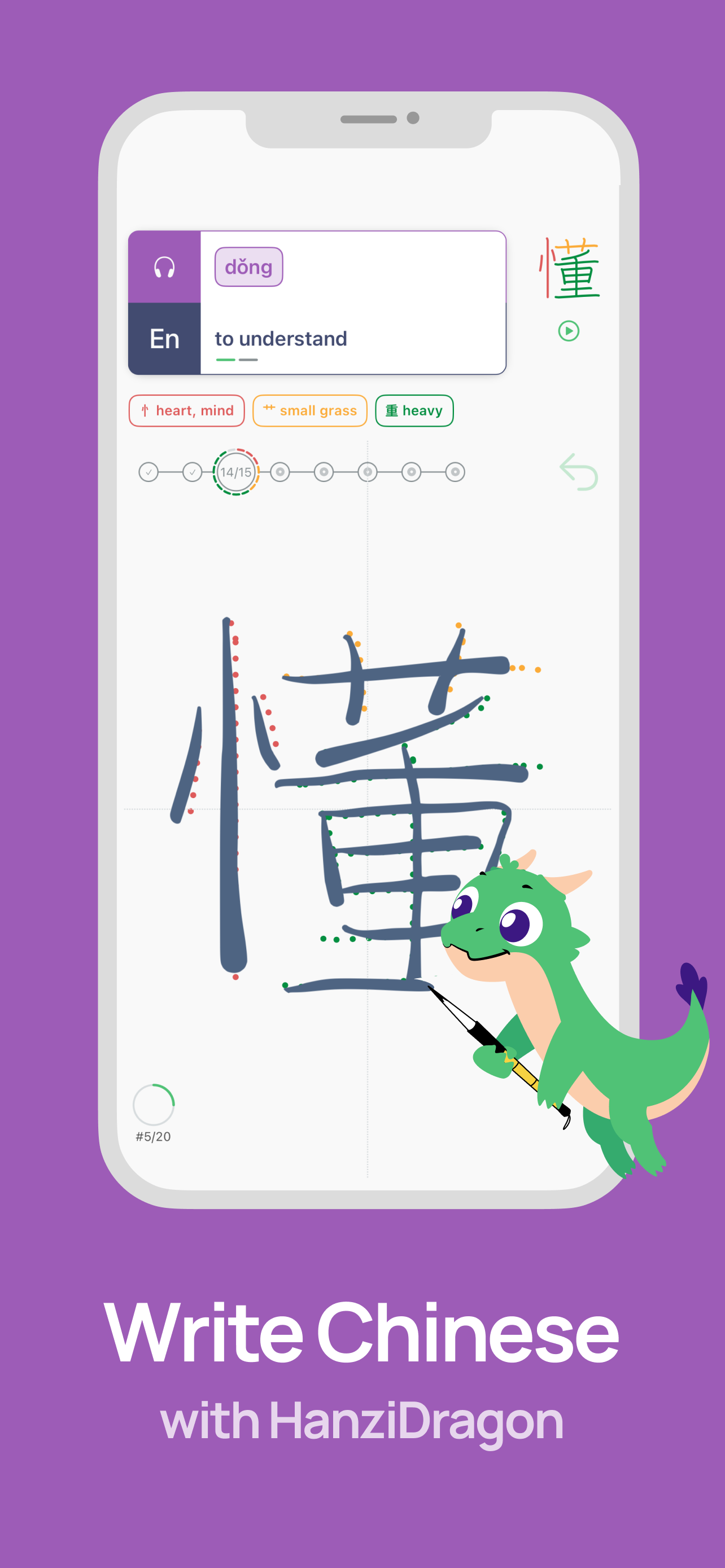
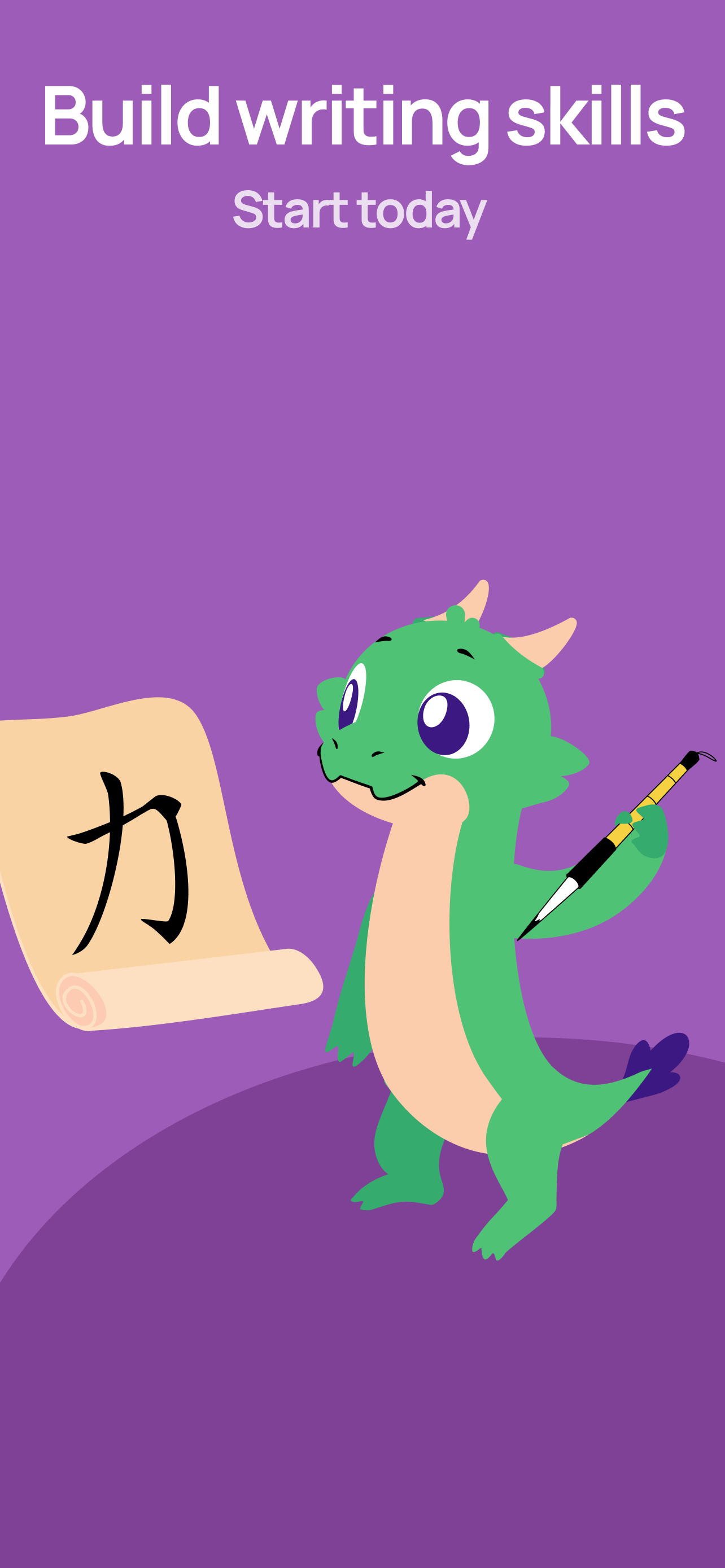
Practice characters with custom handwritten input and a natural calligraphic brush feel.
New information is introduced gradually: reading and meaning, stroke order, radicals, then writing.
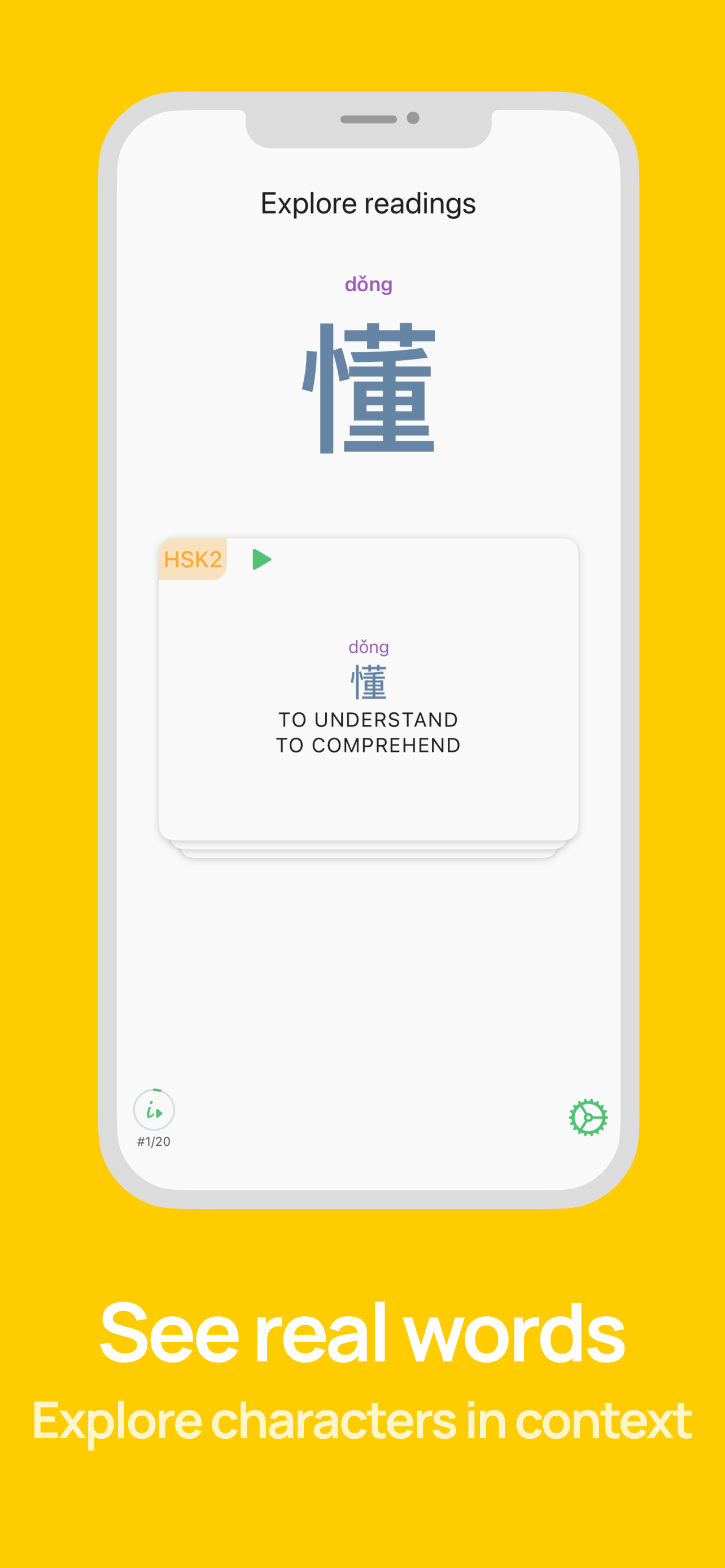
Readings are voiced by a native Chinese speaker to support accurate pronunciation.
Under the hood
Your handwriting is read entirely on your iPhone or iPad — no cloud, no account, and it keeps working offline.
When you confuse similar radicals — 日 and 月, 木 and 本 — HanziDragon points it out, instead of just marking the character wrong.
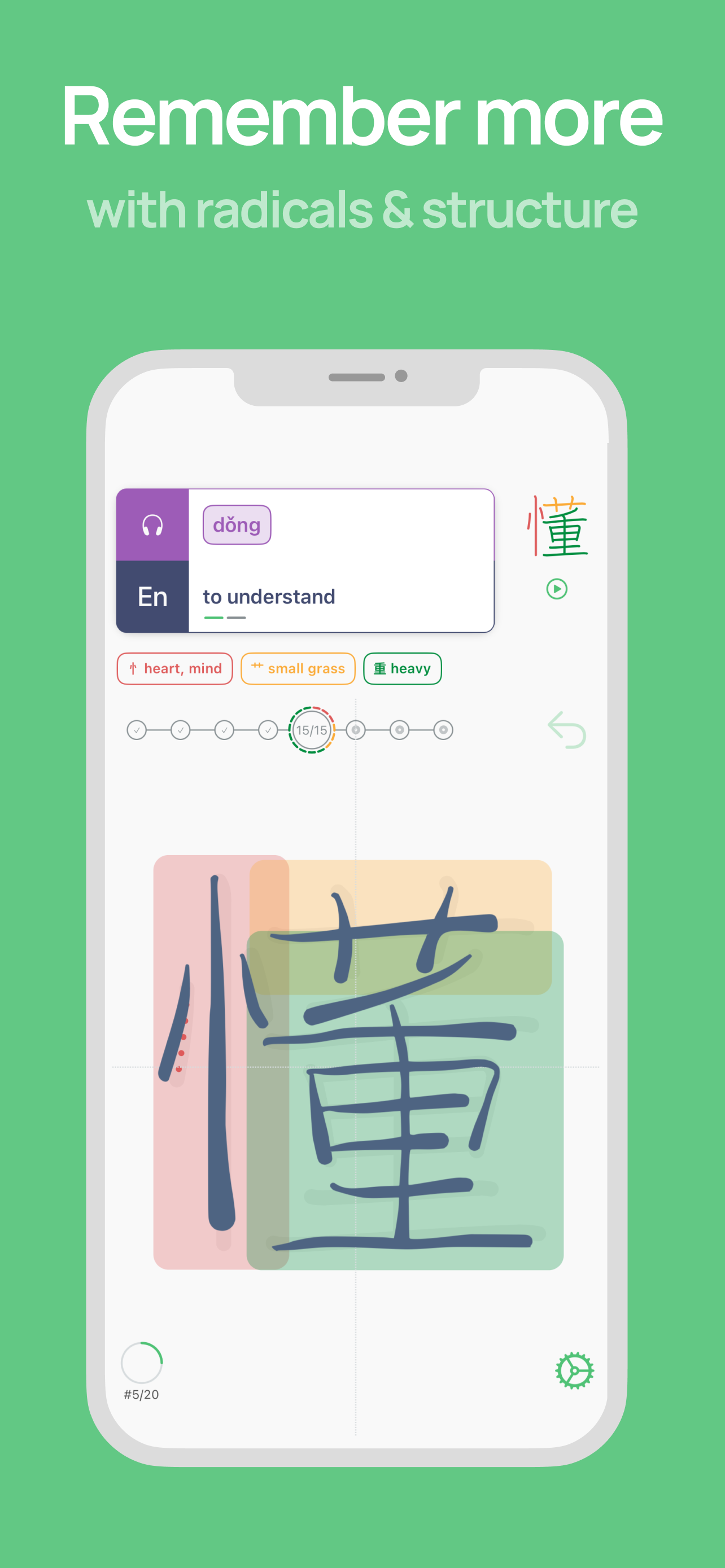
Each radical gets its own color in the stroke-order animation, so the structure of a character becomes visible — not memorized blindly.
Meaning, strokes, radicals, then words — introduced gradually, the way the brain actually absorbs new information. No cognitive overload.
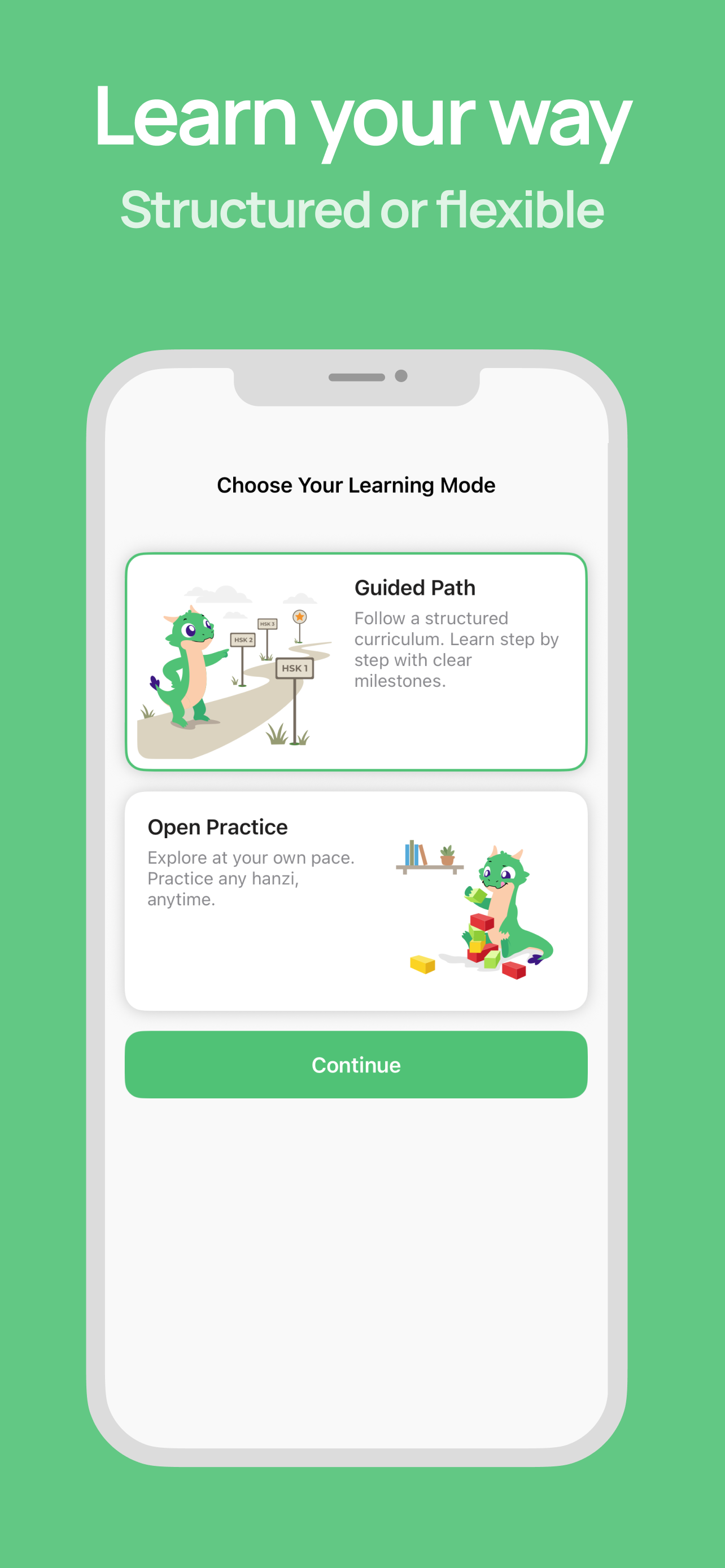
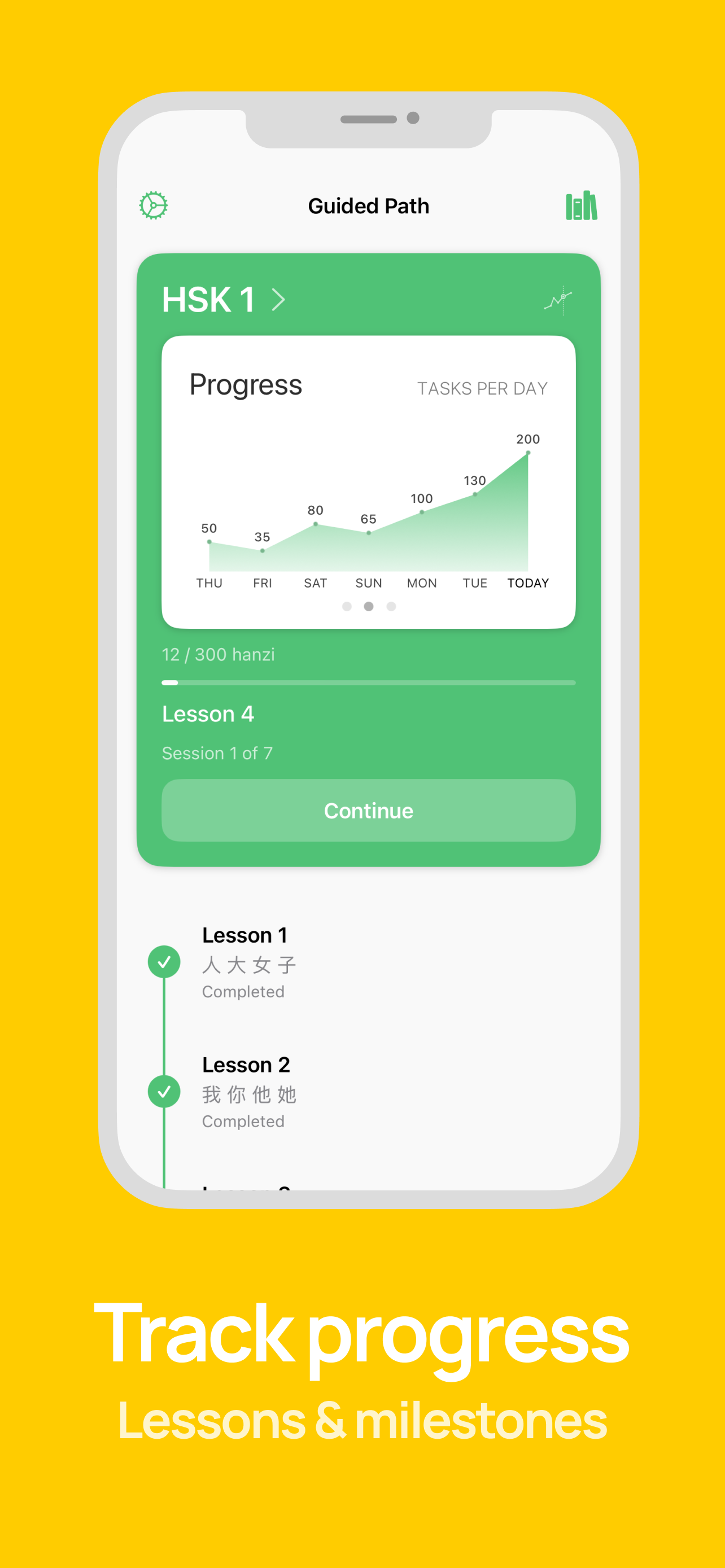
Guided Path walks you through characters lesson by lesson. Open Practice lets you pick your own characters, exercise types, and pace.
From the makers of Robokana, our Japanese kanji app. The same writing engine, refined over years and adapted for Chinese.
HanziDragon is designed for learners who want a calm and structured way to practice writing. It supports iPhone and iPad, syncs progress between devices, and keeps the learning experience simple.
We call them components, and that is the technically correct umbrella term. Radicals are a narrow subset: about two hundred pieces used to index dictionaries, and each character has exactly one dictionary radical. For learning to write, the distinction barely matters, so out of habit we sometimes say "radicals" too. What the app shows you is the full component breakdown of each character.
Inside a plain black character every stroke looks equally important, and nothing tells you where one component ends and the next begins. Coloring makes the structure visible: we noticed that it helps grasp the spatial layout of a character much faster, at least in the early stages. We tested it on ourselves first, and our users keep confirming it works for them too.
No, and this is the part people miss. The color follows the position, not the component: the first component you write is red, the second yellow, the third green, and so on. 礻 is red in 福 because it happens to come first there. In another character, a different component takes the red spot. So the colors are really showing you the writing order.
No. The color is scaffolding you look at, not ink you write with. You write with an ordinary pen or your finger, in one color. Once a plain black character starts falling apart into components on its own, the scaffolding has done its job.
Yes, and this is our strong side. The app recognizes real freehand handwriting instead of matching strokes against fixed positions on the canvas. Write the character small, or in a corner of the canvas: we will still read it.
Honestly, this is a compromise, and a deliberate one. It is not hard to build a strict algorithm that rejects any deviation from the reference order; it is just very annoying to practice with. It is also not too hard to train a network that only looks at the final image and ignores stroke order entirely, but then the app would stop checking the very skill it is supposed to teach. The hard part is building a forgiving system: one that is lenient with beginners and accepts minor swaps of adjacent strokes within a component, while still catching real stroke order mistakes. That is what we built.
Writing feedback is a HanziDragon feature that analyzes your writing for stroke sequence, direction, and stroke count. When your writing deviates noticeably from the reference, it shows a breakdown of what went differently, with a side by side animation of the reference and your own writing. We are quite proud of this one.
Not at the moment. The curriculum is 953 simplified characters following the current HSK 3.0 standard.
No. Handwriting recognition and writing feedback run entirely on your device. The app works offline and does not require an account. Nothing you write leaves your device on its own.
They exist, and the app does not pretend otherwise. Some characters are a single component (永), some components change shape depending on position (示 narrows into 礻, 心 flattens into 忄), and some splits are a judgment call. Where a decomposition helps the hand, we show it; where it does not, we do not force one.